.png)


.webp)

.webp)

Introduction
If you've spent any time around engineering or ops teams, you've probably heard someone mention Retool in passing: "we built that in Retool," "our support team's tool runs on Retool," "just Retool it." It's become shorthand for a certain kind of software, the internal dashboard nobody wants to build from scratch but everybody needs.
That shorthand is useful once you already know what Retool is. If you don't, it can sound vague. This guide explains exactly what Retool is, how it actually works under the hood, who ends up using it day to day, what it costs, and where it's a genuinely strong fit versus where its limits start to show.
What Is Retool, in One Sentence?
Retool is a low-code platform for building internal business applications, admin panels, dashboards, and workflows, by dragging pre-built UI components onto a canvas, connecting them to your existing data, and adding custom code only where you actually need it.
Instead of starting from a blank codebase and writing a frontend, backend, and database layer from scratch, you start from a library of ready-made components (tables, forms, charts, buttons) and wire them directly to the systems you already use.
How Retool Actually Works Under the Hood
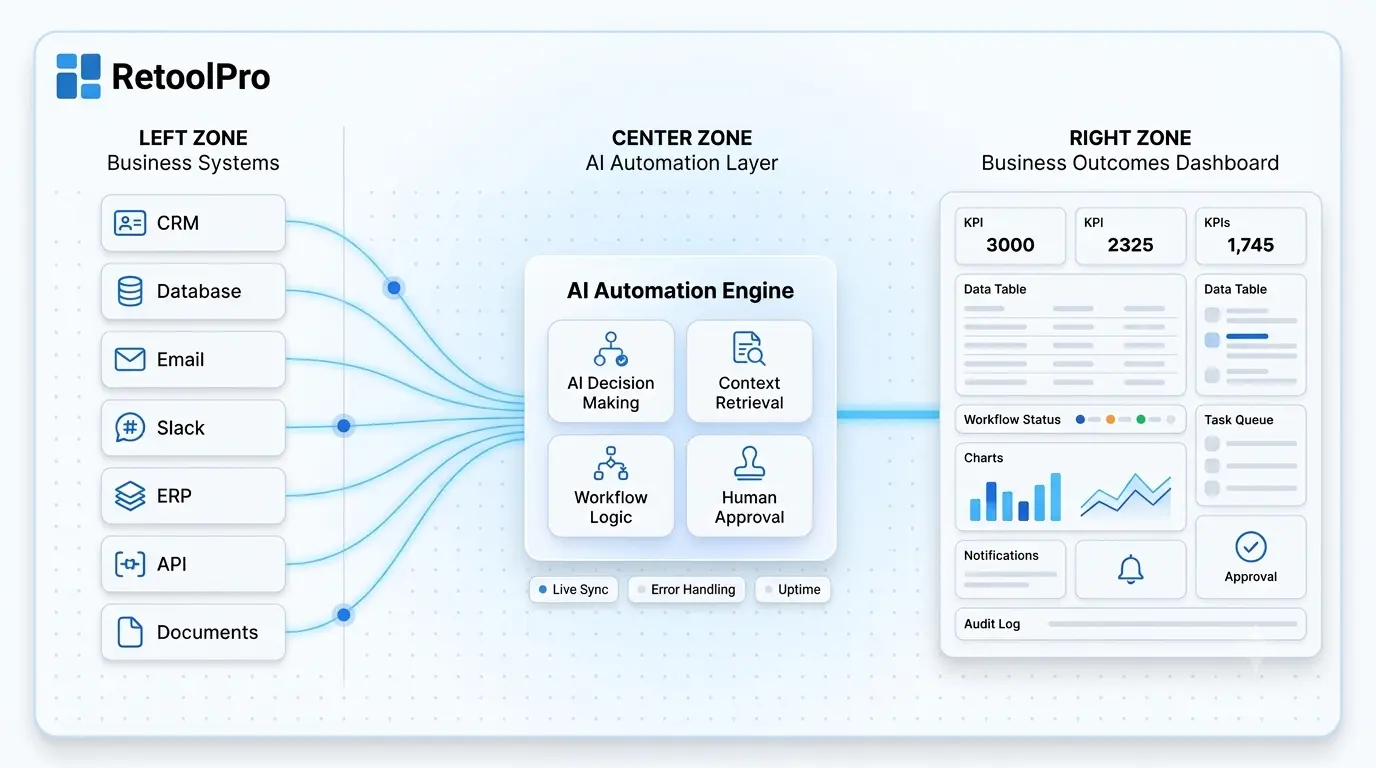
Retool is built around three layers working together, and understanding them makes the rest of the platform click into place.
- Components (the UI layer). These are the visual building blocks: data tables, input forms, charts, modals, buttons. You drag them onto a canvas and configure their properties, what data they show, how they look, what happens when someone interacts with them.
- Queries (the data layer). This is how Retool talks to the outside world: your PostgreSQL database, a REST API, a Stripe account, a Google Sheet. Each query is a reusable block that pulls, pushes, or transforms data, and it can run automatically or in response to something a user does, like clicking a button.
- Logic (the glue layer). For anything the visual layer can't express on its own, calculating a value, formatting a response, chaining a few steps together, you write inline JavaScript directly in the app. Python is supported too, though in a more limited capacity.
Retool also has a separate visual workflow builder for multi-step automations: you connect blocks like API calls, database queries, and conditional branches on a flowchart-style canvas, and the whole thing can run on a schedule, respond to a webhook, or trigger from inside one of your apps.
Key Features Worth Knowing
Retool's AI Capabilities
Retool has invested heavily in AI-assisted building. The core feature here is an in-IDE assistant that can generate or modify an app from a plain-language prompt, describe what you want ("build me an order refund tool") and it scaffolds a working first version using Retool's own component library, which you then refine visually or with code.
Beyond app generation, Retool connects to major LLM providers and offers pre-built AI actions for tasks like text classification and document extraction, along with the ability to build multi-step AI agents that can be triggered from an app, a workflow, or even an incoming email.
One honest caveat worth knowing upfront: Retool's AI assembles apps from its own pre-defined components rather than generating fully open, exportable code. That's a reasonable tradeoff for most internal tools, since you get speed and consistency, but it's worth understanding going in.
Who Actually Uses Retool?
Retool shows up across a wide range of technical and operational roles, not just engineering teams:
- Backend and data engineers use it to put a usable frontend on top of APIs and databases without building a full UI layer from scratch, and to automate recurring data jobs.
- Product managers build internal reporting dashboards pulling from product, sales, and support data.
- Business analysts replace static spreadsheets with interactive tools that let them drill into data and trigger actions directly.
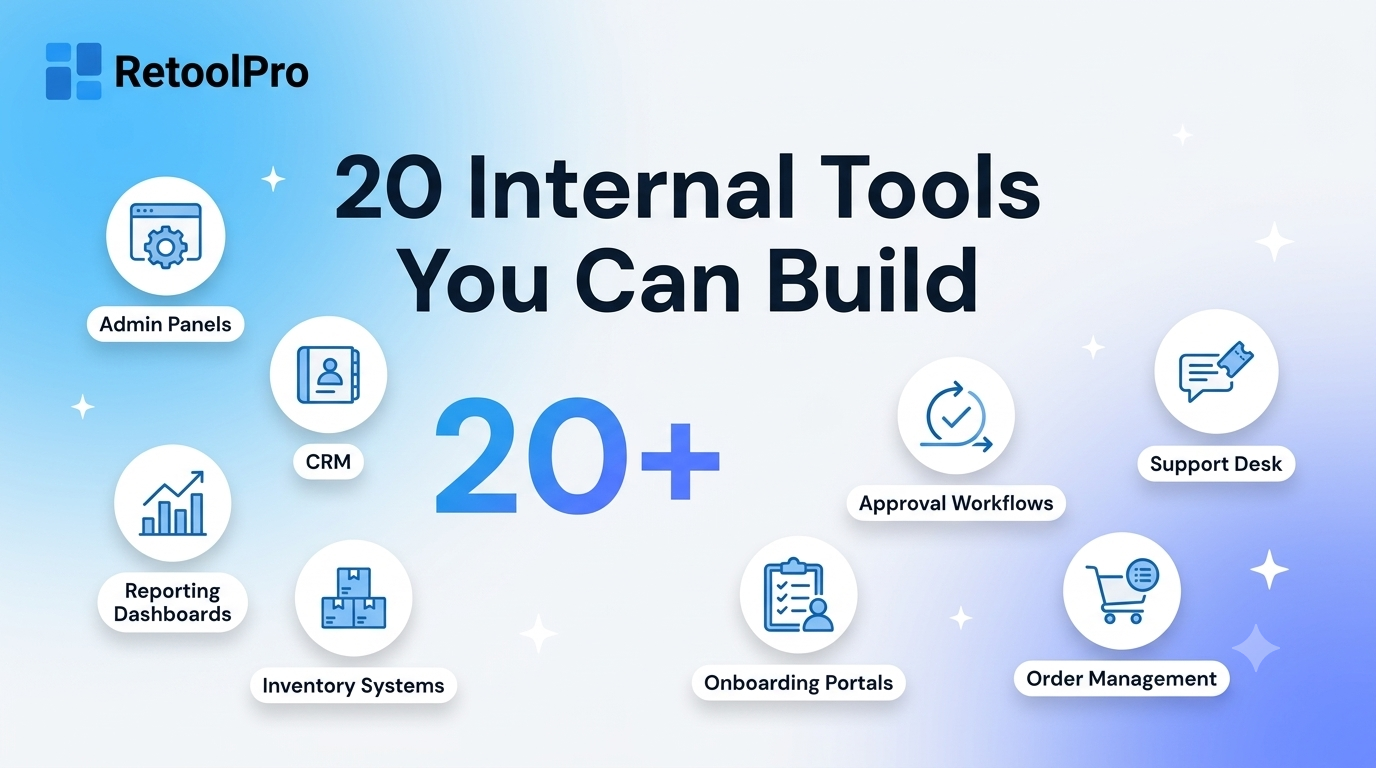
- Operations and support teams run day-to-day admin panels: account lookups, refund processing, order management, and similar workflows.
Well-known companies that have used Retool for internal tooling include Ramp, Plaid, Twilio Segment, and DoorDash, reflecting how broadly the same underlying pattern, custom dashboards over existing data, shows up across very different businesses.
What Does Retool Cost?
Retool uses seat-based pricing, with a distinction between people who build apps (standard users) and people who only use them (end users). AI agent usage is billed separately, by the hour.
Exact per-seat pricing changes periodically, so it's worth checking Retool's current pricing page directly before budgeting a project, but the shape of the model, standard users cost more than end users, and features expand meaningfully at each tier, has stayed consistent.
What Retool Is Genuinely Great At
- Speed to a working internal tool. Most teams can go from an empty canvas to a usable first version in days, not months, especially with a template or the AI assistant as a starting point.
- Broad, low-friction integrations. Connecting to a database or a common SaaS API is usually a point-and-click process, which removes a huge chunk of the work a fully custom build would require.
- Enterprise-grade governance out of the box. Role-based access, SSO, and audit logs are built in rather than something you have to engineer yourself, which matters a lot once an internal tool starts touching sensitive data.
- Flexibility for mobile and external use cases. Retool Mobile and its white-labeled external apps extend the same underlying platform well beyond a typical "internal-only" tool.
Where Retool Has Real Limits
In the spirit of giving a genuinely useful answer rather than a sales pitch, a few limitations are worth knowing before you commit:
- UI customization has a ceiling. You're working within Retool's design system and grid-based layout. Pixel-perfect, fully bespoke interfaces are harder to achieve than in a from-scratch build.
- Complex workflows can get visually cluttered. The visual workflow builder is easy to follow with a handful of steps, but a workflow with many branching steps can become harder to navigate on the canvas.
- You're building inside Retool's ecosystem. Apps are assembled from Retool's component model rather than fully open, exportable code, which is a reasonable tradeoff for most internal tools but matters if full portability is a hard requirement.
- Performance can vary with query complexity. Because a meaningful part of execution happens in the browser, apps with very heavy or numerous queries can feel slower than a purpose-built custom frontend.
Retool vs. Building From Scratch
The realistic pattern most companies land on: Retool (or a similar low-code platform) for internal tooling, and fully custom development reserved for the customer-facing product where UI polish and performance genuinely drive revenue.
How Teams Typically Get Started
- Connect a data source. Most projects start by pointing Retool at an existing database or API, this is usually a quick, point-and-click setup.
- Start from a template or a prompt. Retool's template library and AI assistant both give you a working first draft rather than a blank canvas.
- Wire components to real data. Swap out demo data for your actual queries so tables, charts, and forms reflect live information.
- Add logic where needed. Use inline JavaScript for anything the visual layer can't express on its own, calculations, formatting, conditional behavior.
- Set permissions before rolling out. Decide who can build, who can only use the tool, and what data each role should see, before the tool touches anything sensitive.
Common Mistakes When Adopting Retool
- Skipping naming conventions. Queries and components pile up fast; using clear, descriptive names early saves real time later.
- Building one giant, unscoped app. Packing too much into a single app slows load times and makes maintenance harder. Smaller, focused apps tend to age better.
- Treating permissions as an afterthought. Access control should be set up as part of the build, not added after the tool is already in daily use.
- Skipping templates when one exists. Retool's template library covers a lot of common patterns; starting from one is usually faster and more reliable than building from a blank canvas.
- Underestimating the learning curve for complex workflows. The visual workflow builder is approachable for simple automations but benefits from someone experienced once branching logic gets involved.
Final Thoughts
Retool earns its reputation because it solves a genuinely common, genuinely annoying problem: every growing company ends up needing dashboards, admin panels, and workflow tools that off-the-shelf software was never built to provide, and building each one fully from scratch is rarely worth the engineering time. Retool's three-layer model, components, queries, and logic, gives teams a fast, governed way to build that software without starting from zero, as long as you go in clear-eyed about where its component-based approach has real limits.
For teams that want the speed of the platform without the trial and error of learning its patterns from scratch, working with an experienced Retool partner is often the difference between a tool that ships in days and one that turns into months of avoidable rework.