.png)

.webp)

.webp)

Introduction
"Low-code" and "no-code" get used almost interchangeably in casual conversation, and vendor marketing doesn't help; plenty of platforms blur the line on purpose. But the two approaches are built for different people solving different kinds of problems, and picking the wrong one can mean either wasting developer time on something a business user could have built in an afternoon, or hitting a wall six months into a project because the tool you chose was never meant to handle what you're now asking of it.
This guide lays out the real difference in plain terms, where the two approaches genuinely overlap, and a simple framework for deciding which one actually fits the problem in front of you.
What Is Low-Code Development?
Low-code is a development approach that uses visual tools, drag-and-drop interfaces, and pre-built components to generate most of an application automatically, while still allowing developers to write custom code where it's needed. It sits in the middle ground between fully manual coding and no-code: the visual layer handles the repetitive, boilerplate parts of building software, and code fills in the gaps for anything specific to your business logic.
Low-code is typically aimed at professional developers, or business users working closely with IT, and it's commonly used for internal business tools, workflow automation, and applications that need to connect to multiple databases or external systems.
What Is No-Code Development?
No-code takes the same visual, drag-and-drop philosophy and removes the option to write code entirely. Everything is built through point-and-click configuration: forms, workflows, and logic are all assembled from pre-set building blocks, with no scripting layer underneath for a user to touch.
No-code is aimed squarely at business users, often called "citizen developers", who understand their process deeply but don't write code. It's a strong fit for straightforward apps: internal forms, simple dashboards, basic approval flows, and small-scale tools that don't need custom logic or unusual integrations.
Where They Overlap
Despite the different audiences, low-code and no-code share the same core philosophy and a lot of the same benefits:
- Both abstract away repetitive coding. Visual interfaces replace boilerplate code so builders can focus on what makes their specific application different.
- Both dramatically speed up development. Projects that used to take months can often ship in days or weeks.
- Both lower the cost of experimentation. Teams can build a working prototype, get real feedback, and decide whether to invest further, before committing serious engineering time.
- Both shift the build-vs-buy calculation. Instead of paying for an expensive, one-size-fits-all off-the-shelf tool, teams can build something that actually fits their process for a fraction of the cost of custom development.
- Both improve collaboration between business and IT. More people can participate directly in building software, which narrows the traditional gap between what business teams need and what gets built.
The Real Differences, Side by Side
Speed vs. Control: The Actual Tradeoff
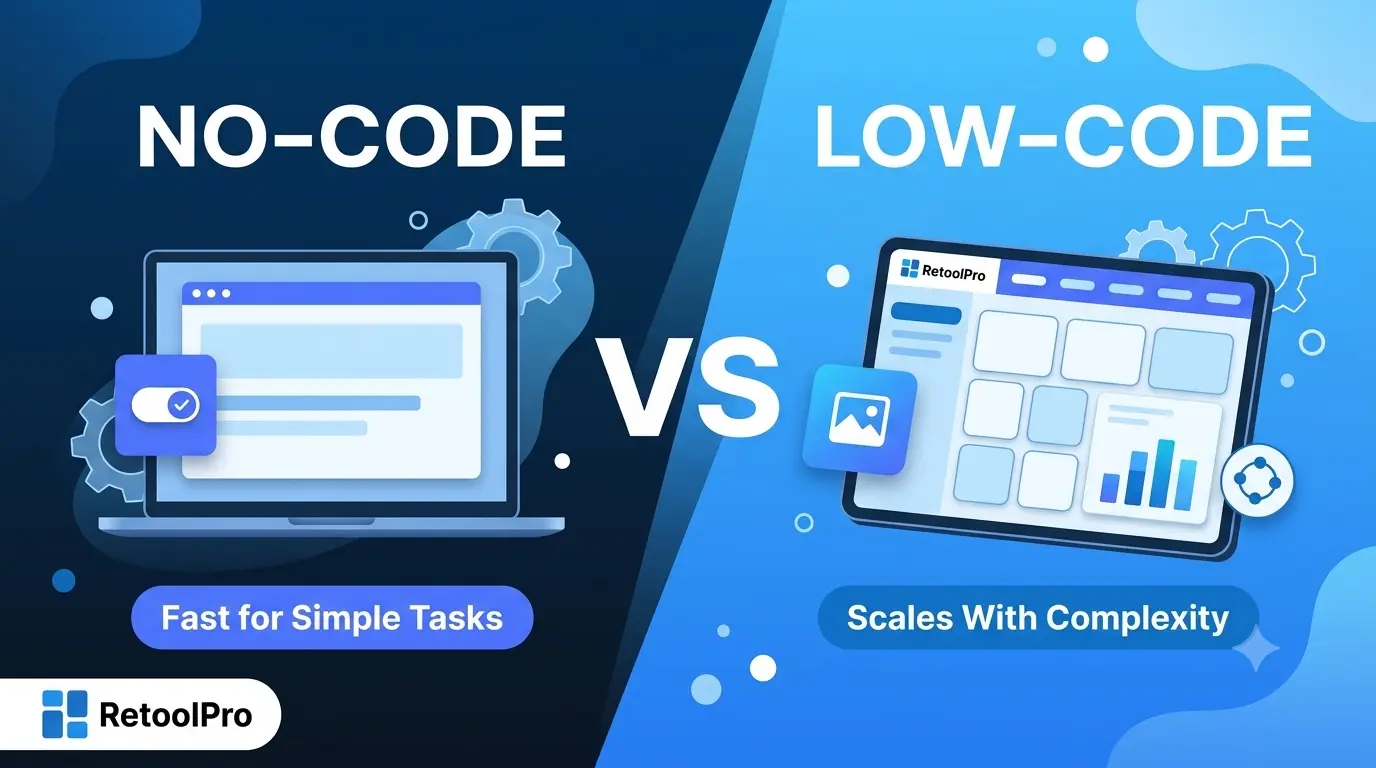
The most useful way to think about the choice isn't "which is better," it's a tradeoff between speed and control. No-code hands you maximum speed with minimal control: you get a working app fast, but only within the shapes the platform already supports. Low-code trades a bit of that raw speed for real control: it takes longer to fully ramp up, but it can flex around your actual requirements instead of asking your requirements to flex around it.
Neither end of that tradeoff is automatically correct. A five-day internal form doesn't need the flexibility of a low-code platform. A customer-facing tool that needs to talk to four different systems and enforce specific business rules almost certainly does.
The Shadow IT Risk Nobody Mentions Enough
No-code's biggest strength, letting business users build without waiting on IT, is also its biggest operational risk. Because these tools require little to no IT involvement, it's easy for a company to end up with dozens of small, unmonitored apps handling real business processes, each one a potential security gap, compliance blind spot, or unmanaged piece of technical debt nobody officially owns.
Low-code doesn't eliminate this risk entirely, but it stays closer to IT's visibility by design, which generally means better governance, clearer ownership, and fewer surprises when a "quick internal tool" someone built two years ago turns out to be running a process the whole finance team now depends on
When No-Code Is the Right Call
- The task is simple and well-defined: a request form, a basic tracker, a small internal survey tool.
- The person building it has no coding background and no access to developer time.
- The app doesn't need to connect to multiple systems or enforce complex business logic.
- Speed to a working first version matters more than long-term flexibility.
- The data involved isn't sensitive enough to require tight security or compliance controls.
When Low-Code Is the Right Call
- The use case involves real business logic, custom calculations, conditional workflows, and multi-step approvals.
- The tool needs to integrate with several existing systems: a database, an internal API, a CRM, a payment processor.
- The application is business-critical, customer-facing, or handles data that needs proper access control and auditability.
- The requirements are likely to grow, today's simple version probably isn't the final version.
- IT or engineering needs visibility and governance over what's being built and who can access it.
Popular No-Code and Low-Code Tools
Seeing real examples makes the distinction easier to hold onto than definitions alone. Here are some of the tools people commonly point to in each category.
Popular no-code tools
Popular low-code tools
A quick way to sanity-check where a tool actually sits: if you can build something meaningful without ever touching code, it's no-code. If there's a visual builder but a code editor sits right alongside it for the moments visual configuration hits a wall, that's low-code.
A Simple Decision Framework
A practical rule of thumb: ask what the application needs to do before asking who is going to build it. If the answer involves real complexity, integrations, or business-critical stakes, low-code is worth the extra ramp-up time even if the person building it isn't a professional developer, because most low-code platforms are approachable enough for a motivated business user working with light IT support.
Common Misconceptions
- "No-code and low-code are basically the same thing." They share a philosophy, but they're built for different people and different levels of complexity, not interchangeable labels for the same product category.
- "No-code means no risk." Removing code doesn't remove the risk of poor data handling, weak access control, or an unmanaged tool quietly becoming critical infrastructure.
- "Low-code is just no-code for developers." Low-code isn't a downgrade or a beginner's version, it's a genuinely different tool built for a wider range of complexity, including apps that would otherwise require fully custom development.
- "Once you start with no-code, you're stuck with it." Some teams do outgrow a no-code tool and rebuild the same process on a low-code or fully custom platform; that's a normal evolution, not a failure of the original choice.
- "IT doesn't need to be involved in either one." IT's level of involvement should scale with the stakes of what's being built, not disappear just because the interface is visual.
Final Thoughts
The choice between low-code and no-code isn't about which platform is more advanced, it's about matching the tool to the actual weight of the problem. A simple internal form doesn't need a low-code platform's flexibility, and a business-critical workflow with real integrations shouldn't be forced into a no-code tool's fixed templates just because it was the faster option on day one. Start by asking what the application genuinely needs to do, and the right answer between the two becomes a lot easier to see.